 DragLab
Scan
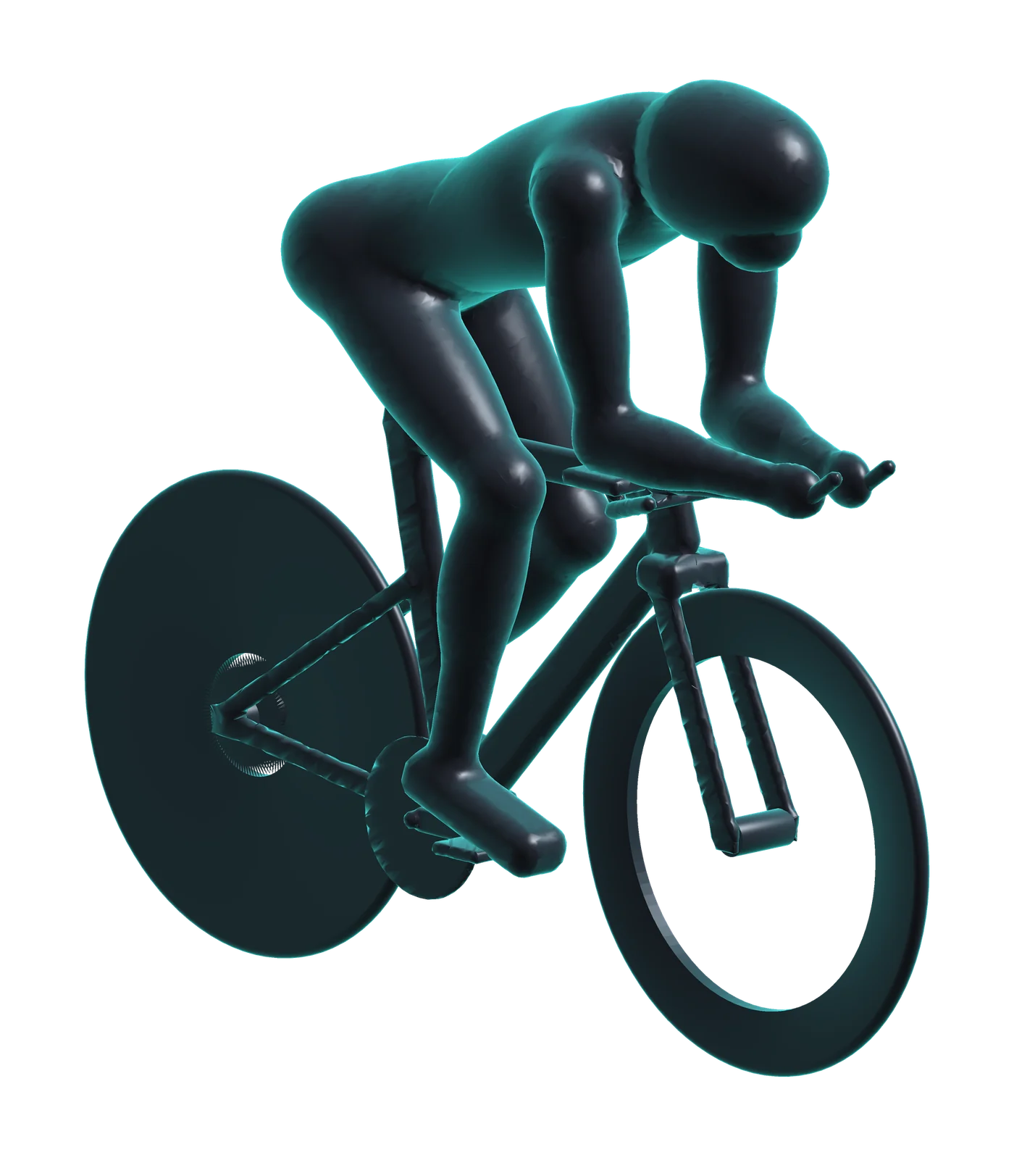
Get on your bike on a turbo trainer and hold your race position. A friend walks round you with an iPhone Pro, and DragLab builds a 3D model of you and your bike with the LiDAR camera.
2 to 3 minutesDragLab scans you on your bike in 3D, shows you the watts the air is costing you, and tells you exactly what to change to ride faster for the same effort. No wind tunnel. No new kit.
For road, time trial and triathlon. Scanning needs an iPhone 12 Pro or any later Pro model.
of a rider's effort at 40 km/h goes into pushing air
to scan, with a friend and your iPhone
saved over a 40 km time trial by two small changes
accounts, uploads or tracking. It all stays on your phone
On the flat at race pace, most of every pedal stroke goes into pushing air out of the way, and most of that air is pushed by you, not your bike.
Deep wheels and a new helmet cost hundreds and buy a handful of watts. Your position costs nothing, and it's the biggest thing on the bike. DragLab shows you where your watts are going.
Everything a wind tunnel visit starts with, done in your living room in a few minutes.
Get on your bike on a turbo trainer and hold your race position. A friend walks round you with an iPhone Pro, and DragLab builds a 3D model of you and your bike with the LiDAR camera.
2 to 3 minutesThe trainer and anything propping the bike up are taken out and the wheels tidied, automatically. Then you see your frontal area, your CdA and the watts the air costs you at your race speed.
AutomaticGet the changes worth trying for your body, each with the watts it could save. Try one, scan again, and see the watts and minutes you've won over 40 km, a 70.3 or an Ironman.
Every sessionYour frontal area becomes air drag in watts at the speed you race, with a likely range, and a scale that shows where your position sits among other riders.
The time-trial sample rider, CdA 0.246 m².
DragLab reads your own outline and suggests the changes worth making, such as lowering your front end or bringing your elbows in, each with the watts it could save. No guesswork, no generic tips.
Scan a second position, lower or narrower, and see what it saves where it counts: on the clock, over 40 km, 90 km or 180 km. Find the position that's fastest for you, then prove it.
An animated illustration streams air past your own 3D model: slowing where it hits you, speeding up as it squeezes past.
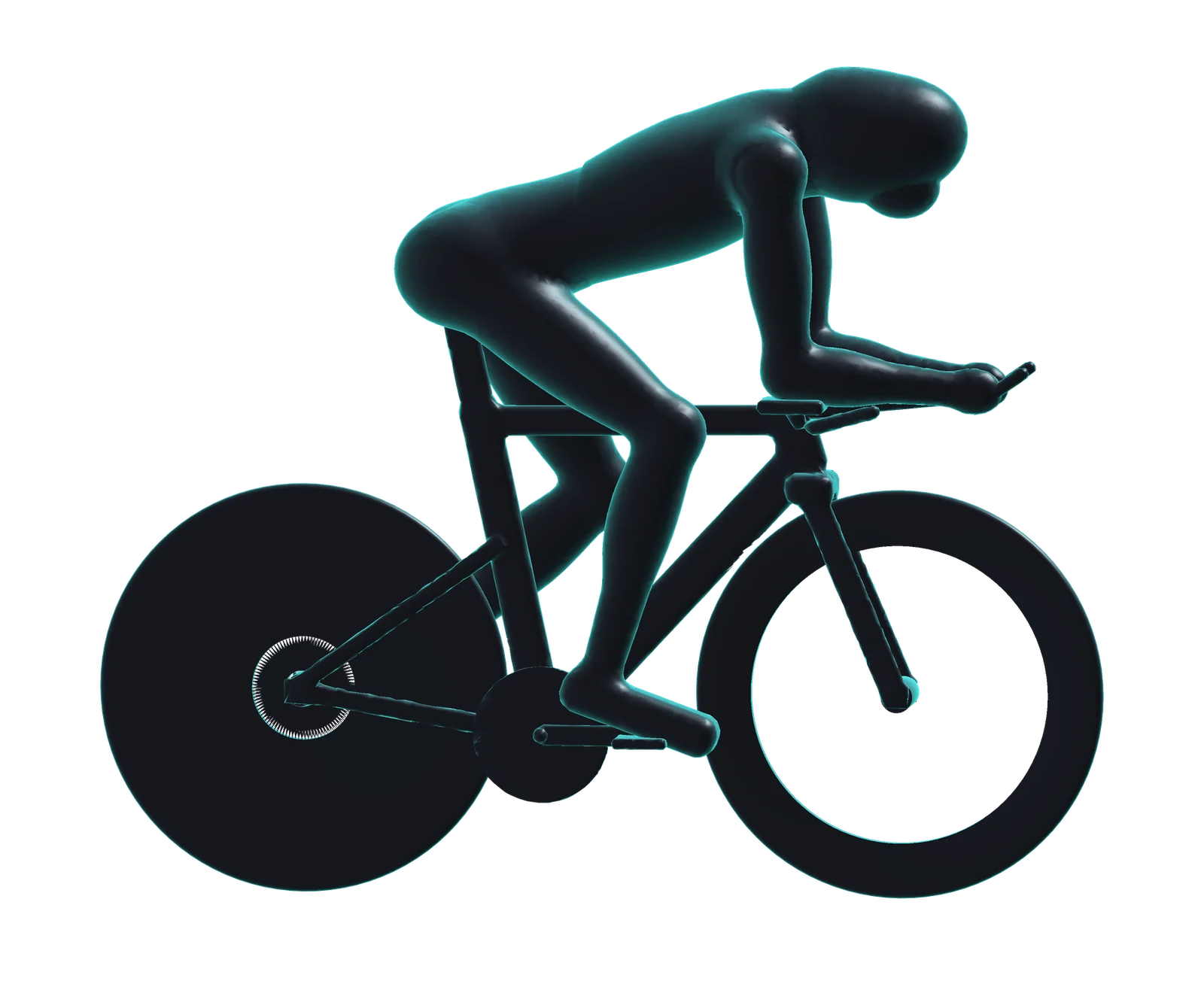
The time-trial sample, as cleaned by the app. The airflow is an illustration, not a wind-tunnel measurement.
Load an outdoor ride file from your power meter, and DragLab measures your own CdA and uses it for every position you scan.
Choose your bike and the scan is sized to match it exactly, for numbers you can trust.
Set the temperature and altitude of your race. Hot, high air is thinner, and DragLab accounts for it.
Three side photos give a quick fit check for triathletes and time triallists: saddle height, hip and back angles, and the one change to try first.
Your scans, photos and numbers never leave your iPhone. No account, nothing uploaded, nothing tracked.
Three sample scans, including a full time-trial rider, let you explore every screen the moment you open the app.
Hoods or drops, sportive or crit: see what tucking lower and narrower is worth before your next big day out.
Every second counts against the clock. Dial in your aero-bar position and see what it's worth in seconds over 40 km.
Find a position that's fast and that you can hold for 90 or 180 km, and run off the bike fresher for it.
DragLab measures your frontal area (how much of you and your bike faces the wind) from a detailed 3D scan. Turning that into drag needs a drag coefficient, which depends on how smoothly air flows round you: DragLab uses a typical figure for your riding position and shows a likely range.
So treat any single number as an estimate. Differences between your own positions are far more reliable, and that's what finds you free speed. Measure your own drag figure from a ride file and the numbers become yours.
No. A wind tunnel measures the force of real air on you; DragLab measures your shape. It can't capture everything a tunnel can, such as the effect of a skinsuit's fabric. But it lets you compare positions as often as you like, at home, for the price of an app, and go to a tunnel or a fitter knowing what to try.
Scanning needs a LiDAR camera: iPhone 12 Pro, 12 Pro Max, and every later Pro and Pro Max model. On any other iPhone with iOS 18 or later you can explore the sample scans, measure your CdA from a ride file and check your bike fit.
Yes. The bike has to stay perfectly still in your riding position while someone walks all the way round it. A turbo trainer holds it steady, and DragLab takes the trainer, blocks or stands out of the 3D model automatically.
A .fit file from an outdoor ride with a power meter: laps or out-and-back, steady, no braking, one position. Indoor rides can't be used, because there's no air to measure.
Nowhere. Every scan, photo and 3D model stays on your iPhone, protected by its encryption. There's no account, no advertising and no tracking. Read the privacy policy.
DragLab is built and tuned for road, time-trial and triathlon bikes on a turbo trainer. Its drag figures are for riders on those bikes, so other vehicles will scan, but the numbers won't mean much yet.
Find out what the air is costing you, and what to change, before your next race.
For iPhone with iOS 18 or later. Scanning needs an iPhone 12 Pro or later Pro model.